
Listing Video
Turn property photos into video
A real estate video maker for listing photos: pick 2–30 photos and a template, and get a finished video in portrait, landscape or square. No video shoot required.
No card or subscription required · Free results include a watermark
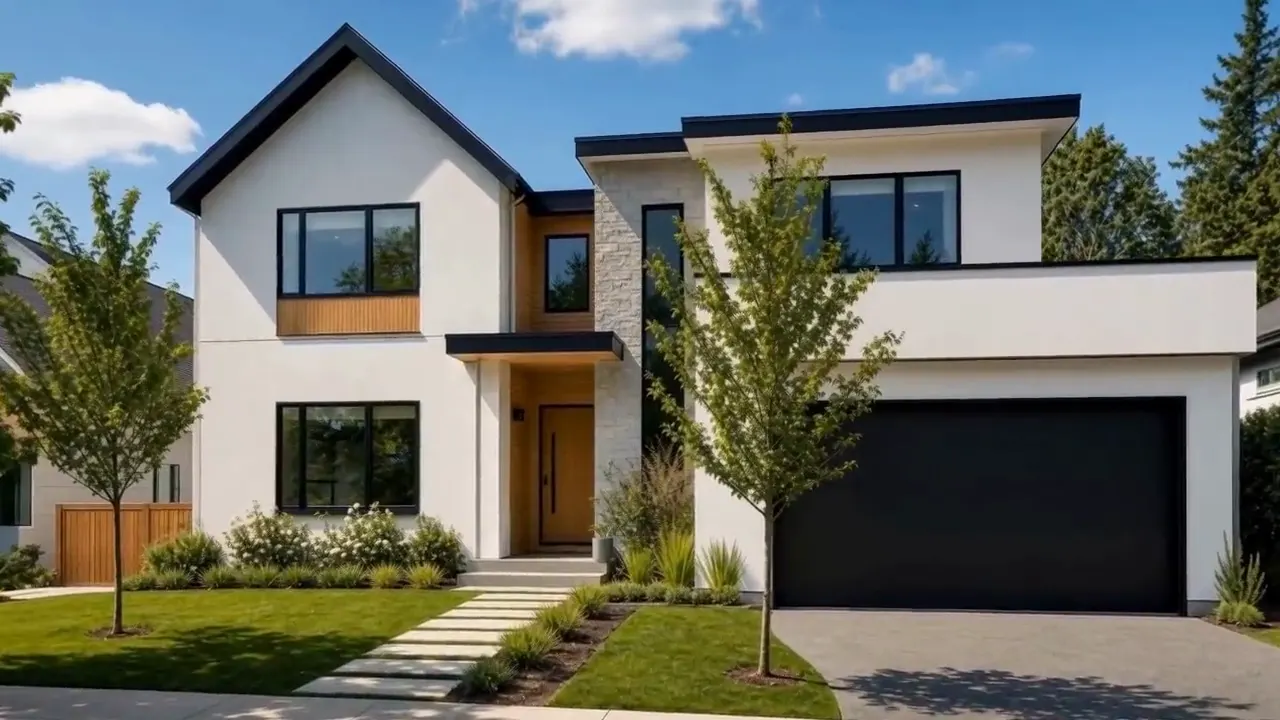
Three Listing Videos made in PropertyPixel from sample listing photos created with AI, with AI video for every photo. Addresses, agents and companies are fictional. Sound is off until you turn it on.
- templates
- 11templates
- shapes from one edit
- 3shapes from one edit
- draft and editing
- Freedraft and editing
- credits per photo for AI video
- 250credits per photo for AI video
What Listing Video does
Listing Video turns 2–30 property photos into one video. Pick one of eleven templates that set the music, transitions, pace and font, five of them made for Reels and TikTok, add the address and price if you like, and arrange everything as a free draft. When it looks right, Generate AI Video turns each photo into a real camera-motion clip for 250 credits per photo.
When to use it
- Making a Reel, TikTok or Story from the approved photo set of a new listing
- Sending sellers a polished listing video without scheduling another shoot
- Closing every video with the agent's logo, name, company and phone
- Producing a consistent video for every listing in a portfolio from existing photography
One edit, three shapes
Portrait, landscape and square from the same video
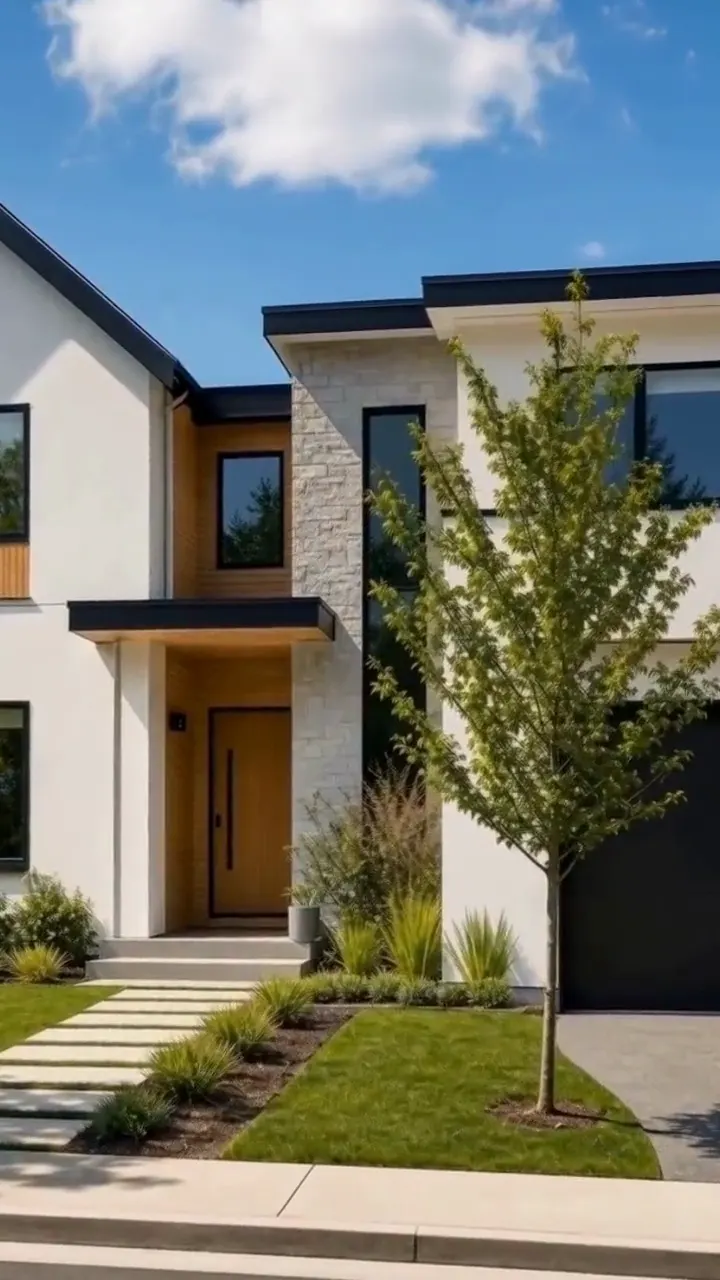
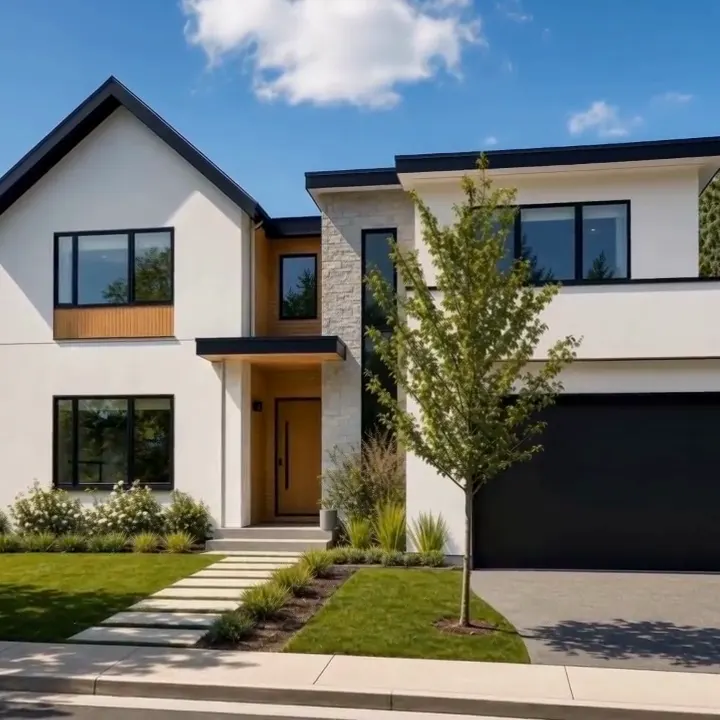
Make the video once. Download it in any shape: the photos, captions and cards are laid out again for each frame, so nothing is squeezed or letterboxed.
How it works
How to turn property photos into a listing video
Your draft opens right away. AI clips are made after you tap Generate AI Video, and you can keep editing while they finish.
- 1
Free
Pick and order your photos
Choose 2–30 photos from your project. Each photo can use any version, original, enhanced or staged, and your favorites are listed first. Drag the selected photos into the order viewers should see them.
- 2
Free
Choose a template
Pick one of eleven: Calm Luxury, Cinematic, Warm & Welcoming, Classic Tour, Slow Sunday, Bright & Modern, Golden Hour, Fast Social, House Tour, Clean Cuts or Beat Drop. Slow Sunday, Golden Hour, House Tour, Clean Cuts and Beat Drop are made for Reels and TikTok, with clips timed to the beat in a rhythm. Each one sets the music, transitions, pace and font, and cuts land on the beat of the music. You can change any of them afterwards. Add the address, price, beds and baths for an opening card if you want one.
- 3
Free
Arrange the free draft
Your video opens as a draft built from still photos. Set the length of each clip from under a second to 5 seconds, choose a camera move, add a caption, switch between portrait 9:16, landscape 16:9 and square 1:1, and add a closing card with your logo, name, company and phone. Drafts and edits cost nothing.
- 4
250 credits per photo
Generate AI Video, then download or share
Generate AI Video turns each photo into a real camera-motion clip. Once it has been generated, download the video in any of the three shapes or share it with one link.
In the editor
What you can change before you generate
A template sets everything to start with. Change any of it in the free draft, and see the change play straight away.
Templates
Each template sets the music, transitions, pace, font and card style. Slow Sunday, Golden Hour, House Tour, Clean Cuts and Beat Drop are made for Reels and TikTok. Switch at any time.
- Calm LuxurySlow dissolves, calm piano, 4 s per photo
- CinematicLong dissolves, film score, bold titles, 5 s per photo
- Warm & WelcomingSoft fades, warm acoustic music, 3.5 s per photo
- Classic TourSteady zooms room to room, easy music, 3.5 s per photo
- Slow SundayStacked photo reveals, lo-fi beat, 2.7 s per photo
- Bright & ModernClean white flashes, upbeat music, 3 s per photo
- Golden HourWarm light leaks, sunny Afrobeats, 2–3 s per photo
- Fast SocialQuick pushes on the beat, bold type, 2.5 s per photo
- House TourWhip pans room to room, house music, 2 s per photo
- Clean CutsClean cuts on the beat, no effects, about 2.4 s per photo
- Beat DropZoom hits on the beat, 1–2 s per photo
Card styles
The opening card shows the address, price, beds and baths; the end card shows your logo, name, company and phone. Pick Photo, Dark, Light or any brand colour, and drag each card's text where you want it on the preview.
Transitions
Pick each one from small animated previews of your own photos. Between clips: none at all, for clean cuts, or crossfade, dip to white, push, zoom through, light leak, stacked photos, zoom punch, whip pan or flash. The video can open and close with a cut, a fade from or to black or white, or a soft focus.
Music
A built-in library of 21 original tracks. Each template starts with its own, Cut on the beat puts every cut on a beat of the music, and you set the volume.
Captions
Add a short caption to any clip, then drag it on the preview to place it anywhere in the frame and drag its corner to resize it. It stays inside the frame in every shape.
Voiceover with subtitles
PropertyPixel can write a script that fits the length of your video, read it in one of 4 voices, and add subtitles timed to the voice.
Every clip
Set each clip from under a second to 5 seconds, choose one of 9 camera moves such as push in, glide or rise up, and pick which version of the photo to use: original, enhanced or staged. If AI warps a room, switch that clip back to the still photo for free.
Cost
Pay only for AI video
You see the cost before you generate, and a clip that fails is refunded. Download and Share open once AI video has been generated. Videos made before you have paid carry a watermark.
Free draft · 250 credits per photo for AI video
- Draft, editing and changes
- Free
- AI video
- 250 credits per photo
- A new clip for a photo that already has one
- 150 credits
- Example: AI video for a 12-photo listing
- 3,000 credits
New accounts get 500 free credits, enough for AI video of 2 photos. Other photos in the same video can stay as still photos.
Frequently asked questions
How do I turn property photos into a video?
What does a Listing Video cost?
What are the templates?
Which shapes can I download, and how do I share the video?
Can I add my details, a voiceover and subtitles?
Can I control each clip and use edited photos?
Related features
Finish the photos first, in the same project, then make the video.
Day to Dusk
Virtual twilight photos from your daytime shoot.
See how it worksClean and Tidy
Let buyers see the room, not the clutter.
See how it worksVirtual Staging
Furnish an empty room in about a minute.
See how it worksSee what Listing Video can do for your listing.
Start with 500 free credits. The draft is free, so you can build the whole video from your own photos before you spend anything.