
Remove Furniture
Show the space, not the stuff.
No card or subscription required · Free results include a watermark
See the difference
Drag the slider to compare before and after
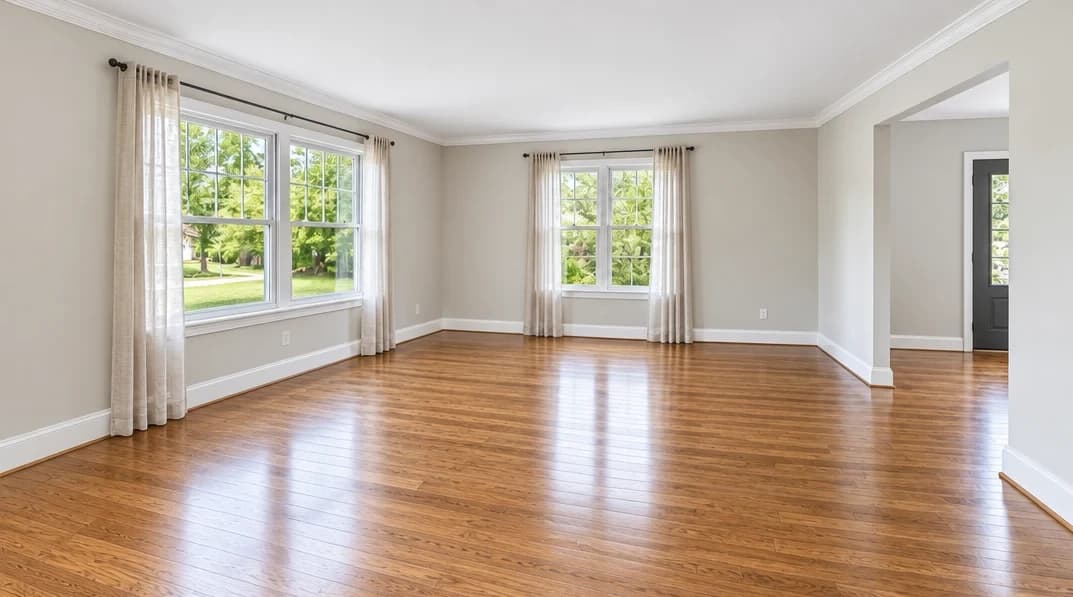
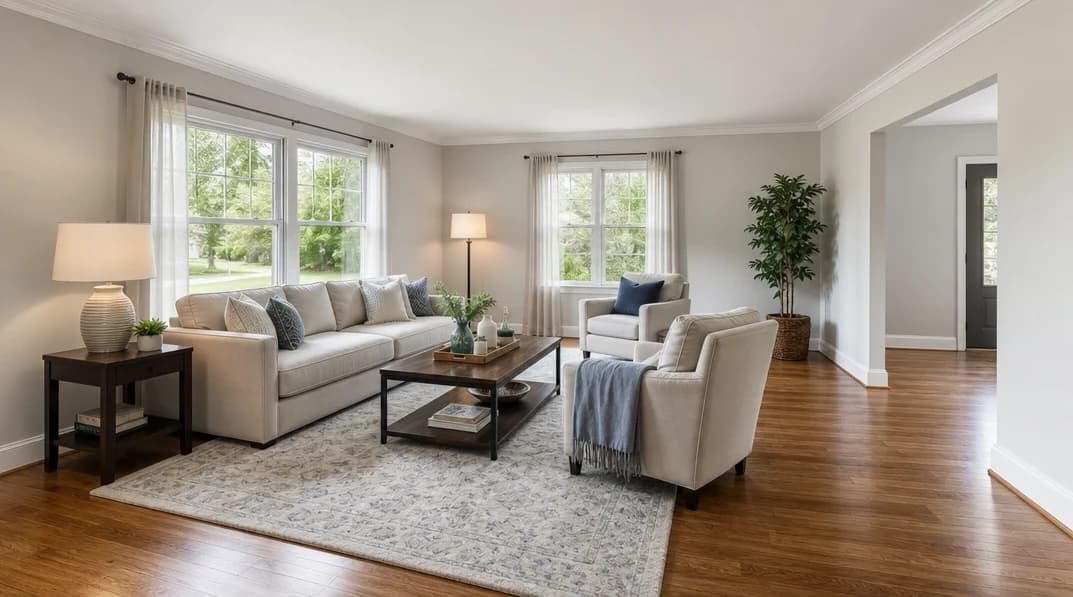
No card or subscription required
What Remove Furniture does
Show how a furnished room could look empty, without moving a sofa. AI removes furniture and generates the surfaces it covered. Use the result as a clearly identified empty-room visualization or as the starting point for virtual staging.
When to use it
- Tenant-occupied properties where furniture is outdated or clutters the room
- Furnished apartments marketed to buyers who want to see the raw space
- Rental properties where photographing between tenancies is not possible
- Investment properties where developers want to present empty floor plans visually
How it works
Most photo edits take about a minute to generate
Upload your furnished photo
Upload any furnished interior photo. The AI works best with full-room shots showing walls, floor, and ceiling.
Select Remove Furniture
Choose Remove Furniture from the enhancement menu. You can combine it with Improve Lighting to ensure the empty room looks bright and inviting.
Download your empty room
Review the cleared room, especially surfaces previously hidden by furniture. Download it or continue with virtual staging as a separate operation.
Credit cost
100 credits per photo
New accounts get 500 free credits — enough for 5 free uses of this feature.
Related features
Keep working with the same photos, in the same project.
Looking for a comparison of real estate photo editing tools? See our 2026 software comparison guide.
Want to show the change on Instagram or in your listing? Make a before and after photo for free.
See what Remove Furniture can do for your listing.
Start with 500 free credits. Try your own property photos before buying. Free results include a watermark.