
Blue Skies
Blue sky replacement for grey shoot days.
No card or subscription required · Free results include a watermark
See the difference
Drag the slider to compare before and after
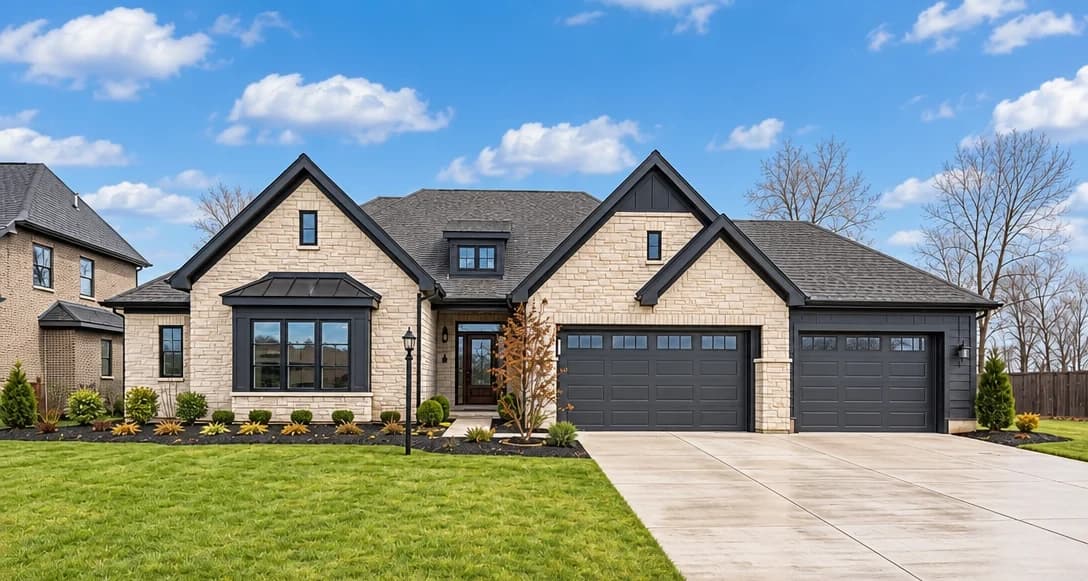
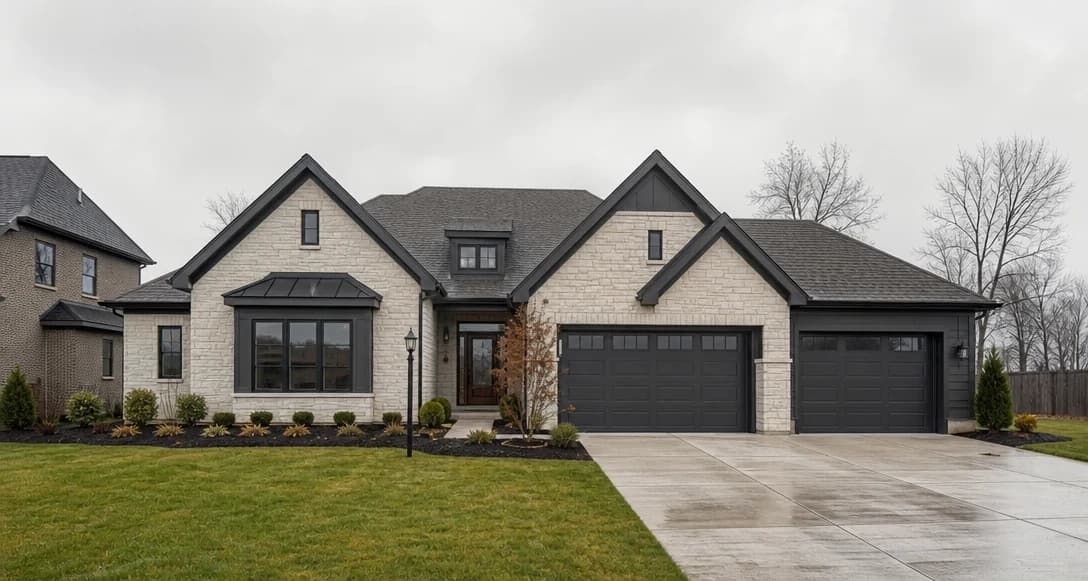
No card or subscription required
What Blue Skies does
Blue Skies is AI sky replacement for exterior photos. It swaps grey, overcast, or washed-out skies for a natural blue sky, so you can compare a sunnier version of the shot without scheduling another visit or sending it to an editing service.
When to use it
- Exterior shots taken on cloudy or overcast days that lack visual punch
- Photos where a white sky blows out the background and loses detail
- Listings in climates where clear skies are rare but buyers expect them
- Combining with Clean & Tidy for a complete interior and exterior refresh
How it works
Most photo edits take about a minute to generate
Upload your exterior photo
Upload an exterior property photo where the sky is dull, overcast, or blown out.
Select Blue Skies
Choose Blue Skies from the enhancement list. Pair with Lawn Repair for a full curb appeal transformation.
Download your blue-sky photo
Review the new sky and check the edges around rooflines and trees, then download your chosen result.
Credit cost
100 credits per photo
New accounts get 500 free credits — enough for 5 free uses of this feature.
Related features
Keep working with the same photos, in the same project.
Looking for a comparison of real estate photo editing tools? See our 2026 software comparison guide.
Want to show the change on Instagram or in your listing? Make a before and after photo for free.
See what Blue Skies can do for your listing.
Start with 500 free credits. Try your own property photos before buying. Free results include a watermark.