
A dim phone shot of a kitchen. Under a minute later: corrected lighting, clutter removed, a clear blue sky out the window instead of the grey one you shot on. That's AI real estate photo editing in its simplest form — and it's what's replacing the two-week photographer-and-retouching cycle for most listings in 2026.
This guide covers what the technology actually does (and doesn't do), how to slot it into a working agent workflow, and how it stacks up against the alternatives you're weighing. No hype, no overselling — just a practical breakdown of where AI photo editing earns its place and where it doesn't.
What AI Real Estate Photo Editing Actually Does
AI photo editing is a category, not a single feature. The term covers several distinct jobs, and each has its own strengths and failure modes. Here's what the best tools handle well.
Lighting Correction
Most listing photos fail the same way: the interior is dim, the windows are blown out, and the color balance sits somewhere between "emergency room" and "1990s motel." AI lighting correction lifts shadows, recovers blown highlights, and neutralises mixed color casts in one pass. It's the single most-used enhancement type for a reason — almost every interior photo needs it.
Sky Replacement
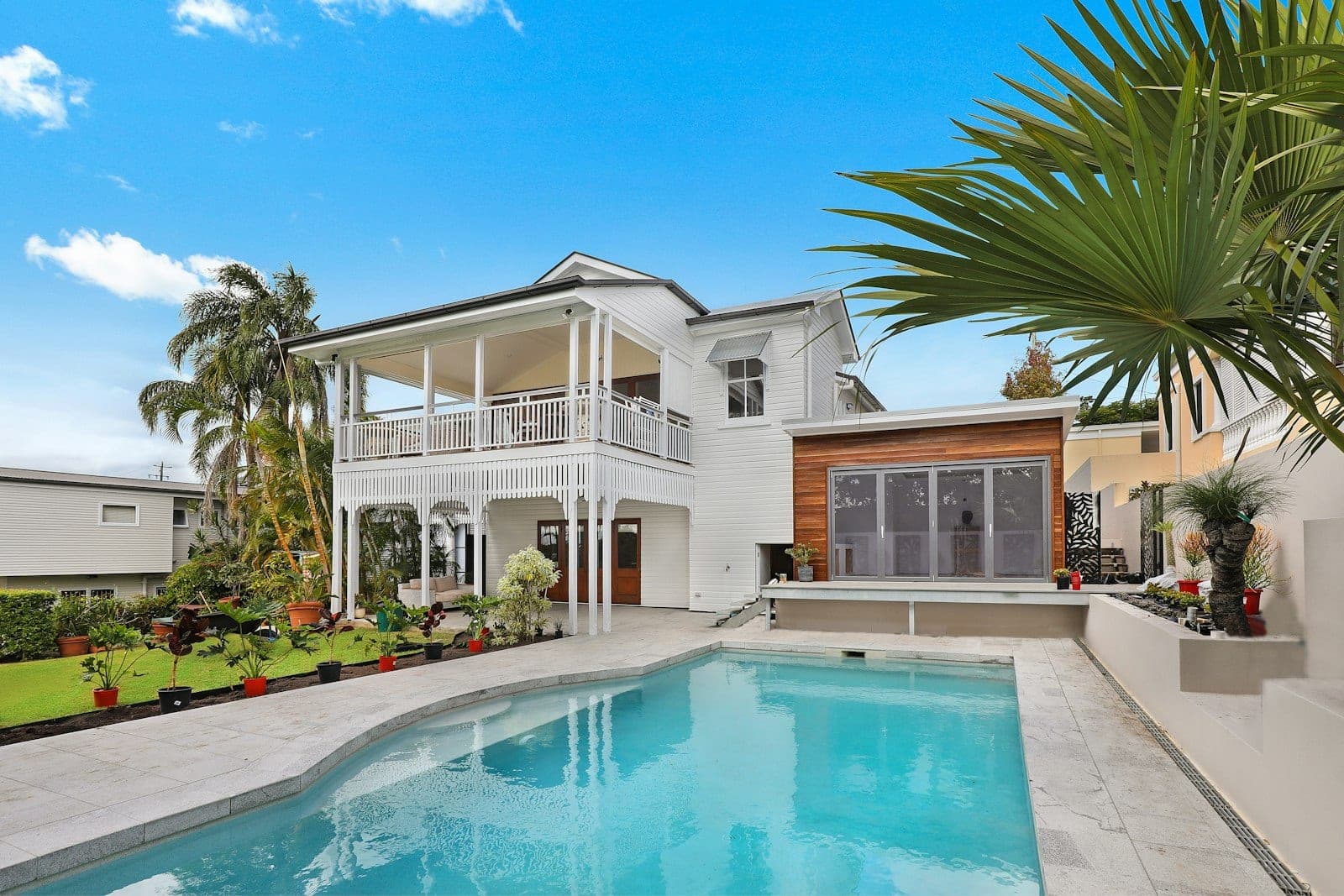
Shoot an exterior on an overcast day and AI can swap the grey sky for a clean blue one, matching the existing light on the building. It's one of the fastest, most reliable enhancement types because the model is replacing pixels above the roofline rather than reasoning about 3D geometry. Watch for mismatched climates — a cloudless Arizona sky on a Dublin listing looks off. We go deeper in our sky replacement guide.
AI Declutter (Clean & Tidy)
Mail piles, pet bowls, kids' drawings, medication bottles. Automated decluttering removes small personal objects while keeping furniture, fixtures, and architecture intact. What it won't do: move a couch, rotate a rug, or make a judgment call about what should stay. Those are human decisions.
Day-to-Dusk Conversion
Twilight shots outperform every other listing photo category on click-through rate across major portals. Booking an actual twilight photographer costs $200–$500 per listing and requires cooperative weather. AI day-to-dusk conversion delivers the same visual from a clean afternoon exterior — no appointment needed. It doesn't work well on heavily shaded houses or shots with cars in the driveway, but for standard mid-afternoon exteriors, it's effectively a free upgrade.
AI Virtual Staging
Empty rooms photograph badly. Buyers can't gauge scale, can't picture furniture placement, and assume the room is smaller than it looks. AI virtual staging places photorealistic furniture into an empty room in your chosen style — Modern, Japandi, Farmhouse, Luxury — and renders it in place. Physical staging runs $1,200–$3,000 per listing. AI virtual staging is a fraction of that, per room, in minutes.
Perspective Correction
Wide-angle lenses create keystoning — walls that lean inward at the top of the frame. AI perspective correction straightens verticals and levels horizons automatically. A small problem, but a constant one.
Image Upscaling
If your only shot of a detail was captured on an older phone, AI upscaling, such as PropertyPixel's Ultra HD option, can push a low-resolution image up to MLS-compliant dimensions without the pixel smearing of old-school upscaling. It can't invent detail that was never captured, but it cleans up what's there.
AI Editing vs. Your Current Options
| Factor | Professional photographer | Retouching service | AI editing (PropertyPixel) |
|---|---|---|---|
| Cost per photo | $5–15 (amortised) | $1.50–5 | From $0.50 |
| Turnaround | Depends on booking | Varies by service | Usually about a minute |
| Revisions | 2-day round trip | 1-day round trip | Instant re-run |
| Best for | Luxury $1M+ | High-volume polish | Most listings under $750K |
| Scheduling required | Yes, 1–2 weeks out | No | No |
| Virtual staging | No (extra cost) | Extra cost | Yes (100 credits/image) |
The AI-First Listing Workflow
The old workflow looked like this: schedule a photographer two weeks out, wait for the shoot, wait three to five days for edits, review proofs, ask for revisions, wait another day. Total: two to three weeks from contract to listing live.
The AI-first workflow:
- Shoot the property yourself (phone or DSLR) after the seller preps it — 30 to 60 minutes on-site
- Upload 20 to 30 photos as a batch
- Pick enhancements per photo: lighting for interiors, sky replacement for exteriors, day-to-dusk for the hero shot, virtual staging for empty rooms
- Download the batch in under five minutes
- Review; re-run anything that didn't land with different settings
- Push to the MLS — same day
Pro Tip
The biggest workflow gain isn't per-photo speed — it's revision without penalty. If an enhancement comes out wrong, re-run it in under a minute. With a photographer or retouching service, "revise" means another 24–48 hour round trip.
For agents in fast-moving markets, speed-to-list is the point. A listing that goes live 10 days earlier gets 10 extra days of buyer visibility in a window where the first three weeks are everything.
What AI Photo Editing Can't Do (The Honest Version)
Marketing copy for AI tools tends to skip this section. Here's the failure mode for each enhancement type — because this is the difference between using these tools well and wasting credits on photos you should have reshot.
- It can't save a photo that was never going to work. Motion blur, severely blown-out windows, pitch-black rooms with no ambient light — none of these are fixable. The fix is a reshoot.
- It can't invent what wasn't in the frame. If you shot a room from the doorway and captured one wall, no enhancement will reveal the other three. Composition matters before you press the shutter.
- Sky replacement can miss unusual rooflines. Spanish tile, heavy ornamentation, complex gables — the AI can leave halos along the roofline edge. Review exteriors at full resolution before publishing.
- Day-to-dusk doesn't work on every exterior. Harsh midday shadows carry forward into the twilight conversion and look wrong. Morning or late-afternoon source shots convert better.
- Clutter removal can make rooms look sterile. Strip every item off every surface and the house stops feeling like a home. Leave two or three intentional props so the space reads as lived-in.
⚠️ Important
Don't use AI to alter or conceal material defects. Digitally repairing a cracked driveway, removing visible water damage, or editing out a structural issue crosses into misrepresentation and can trigger disclosure claims after close. Enhancement is for presentation. Disclosure is for defects.
What Actually Moves the Needle
The metrics that matter aren't megapixels or software features. They're the ones your broker asks about on Monday morning.
Days-on-Market
Listings with professional-quality photos consistently correlate with shorter days-on-market across every major portal study. At similar price points, listings with stronger photos move measurably faster.
Click-Through on Portal Listings
The first photo in your Zillow or Realtor.com feed determines whether buyers click through. A dim front exterior on an overcast day loses to a bright, straightened, twilight-converted shot every single time.
Saved-to-Favourites Rate
Buyers save listings they feel emotionally connected to. Listings with consistent, well-lit, decluttered photos across every room get saved more often than listings with a great hero shot and amateur interiors.
Seller Retention
Sellers judge your competence on day one. A listing that shows up in their portal email with un-enhanced phone shots makes them nervous. The same listing with AI-enhanced interiors and a clean exterior reads as "this agent knows what they're doing."
How the Pricing Works
Most AI photo editing tools — including PropertyPixel — price on credits rather than per-seat subscriptions. With PropertyPixel, monthly subscription credits reset each billing cycle, while one-time credit packs remain valid for 12 months.
Every standard PropertyPixel photo enhancement and virtual staging generation costs 100 credits. Current packs cover 15, 45, or 120 standard photo operations, while subscriptions start at 5,000 monthly credits, enough for 50 standard operations.
The rough comparison: if a retouching service costs you $3 per image, PropertyPixel's credit packs pay for themselves inside the first listing of the month. See the pricing page for the current credit structure and subscription plans.
How to Start Without Betting a Live Listing on It
Don't trust a new tool with your next vendor's listing before you've tested it. Here's the three-step path most agents take.
Step 1 — Run it in parallel. Shoot your next listing normally and book your usual photographer or editor. In parallel, upload the same raw photos through PropertyPixel and enhance a matched set. Compare side-by-side before publishing. If AI covers 80% of what you need, you've found your volume workflow.
Step 2 — AI only, hero shots reshot if needed. On the next listing, use AI for everything. If the hero shot (usually the front exterior) doesn't land right, reshoot just that one and re-enhance. Track how long it takes — for most agents it's under an hour total including upload and review.
Step 3 — AI by default, escalate when it warrants it. Make AI your default workflow. Keep a photographer or retouching service on standby for luxury listings, architecturally unusual properties, or any situation where human judgment on composition is worth the cost.
Pro Tip
Compare days-on-market and click-through for your first five AI-enhanced listings against your last five non-AI listings. If the numbers are comparable, the AI workflow wins on time and cost. If AI-enhanced listings underperform, the issue is usually capture quality — not the tool.
The Short Version
AI real estate photo editing compresses the boring, mechanical parts of listing photo production — lighting, skies, clutter, staging, perspective — faster and cheaper than humans can. It doesn't replace a skilled photographer on a high-value listing. It doesn't fix photos that were never going to work. It doesn't change your disclosure obligations.
What it does is collapse a two-to-three-week production cycle into a same-day one, at a cost that makes sense for every listing from a $150K rental to a $1.5M flagship. That's a genuine change in how listings get marketed — not a revolution, but a compounding advantage for every agent who builds the workflow in now.
Try AI Photo Editing on a Real Listing
Start with a photo you know well. Try a lighting fix, declutter, or staged look, then compare the result with the original before buying.
No card required · Free results include a watermark
Continue Reading
Virtual Staging vs Traditional Staging: 2026 Cost Guide
The real numbers behind both approaches — and when each one actually wins.
Read articleReal Estate Photo Mistakes AI Can Fix (and Can't)
Common capture problems and which ones AI editing actually solves.
Read articleHow to Prepare Property Photos for AI Enhancement
Shot-list, camera settings, and prep that makes AI work on the first pass.
Read articleTry it on a photo from your next listing.
Brighten a room, clear clutter, or try virtual staging. Start with 500 free credits. No card required. Free results include a watermark.