
Straighten & Reframe
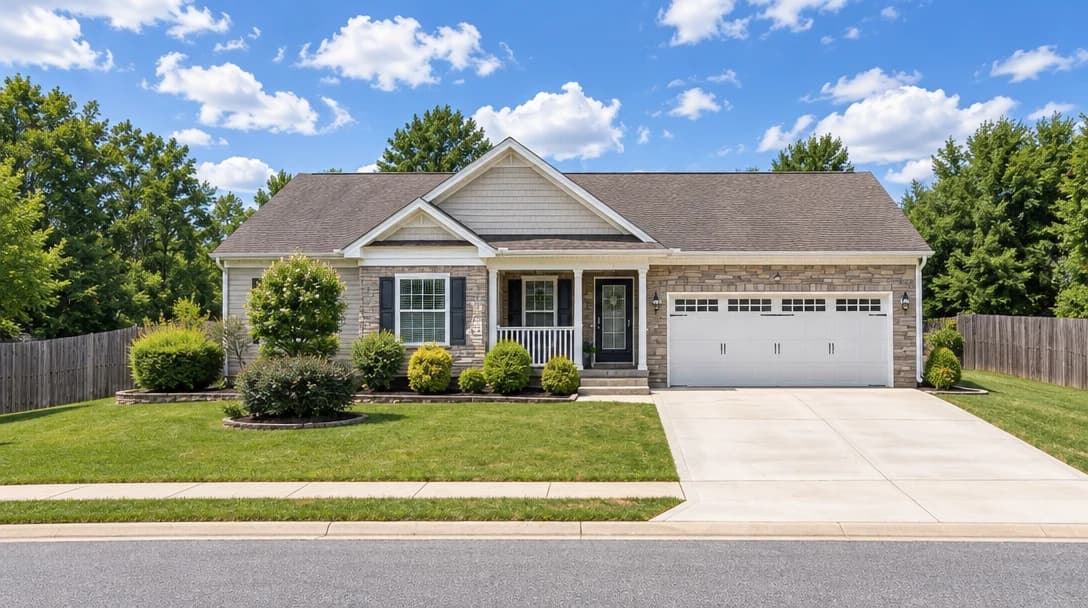
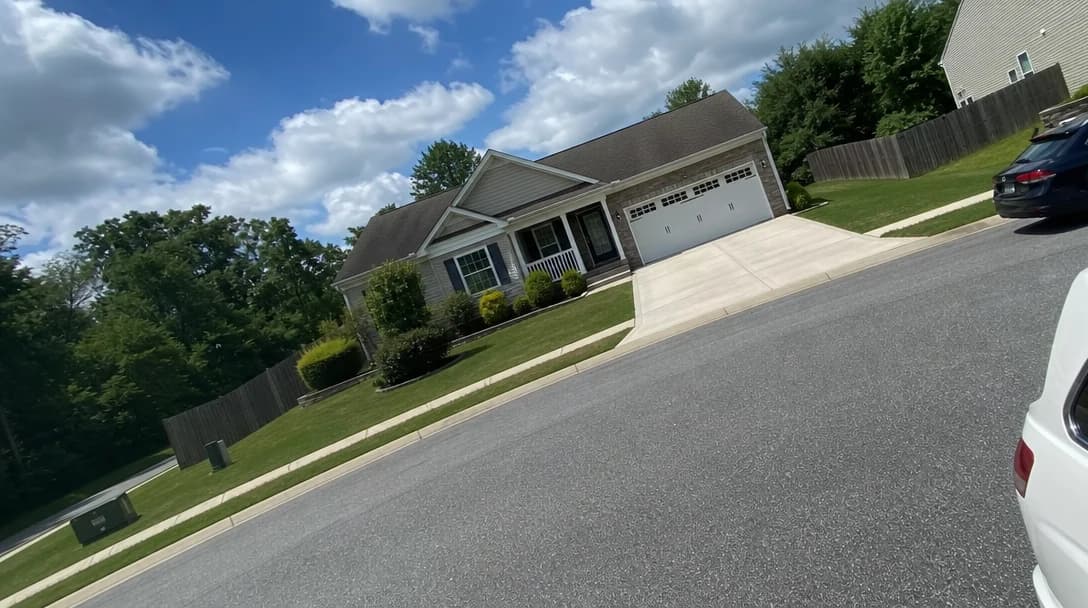
Straighter walls. A better-framed listing photo.
No card or subscription required · Free results include a watermark
See the difference
Drag the slider to compare before and after
No card or subscription required
What Straighten & Reframe does
Leaning walls and tilted horizons distract from the property. Straighten & Reframe adjusts perspective and composition to give your shot a more balanced look. Review the edges and architectural details against the original before using it.
When to use it
- Correcting interiors where walls, cabinets, and door frames look like they are falling backward or inward
- Fixing exterior shots with tilted rooflines, sloping horizons, or exaggerated wide-angle stretch at the edges
- Improving listing photo consistency when different photographers or phone cameras produced uneven framing
- Polishing otherwise strong photos that just need better alignment before going live
How it works
Most photo edits take about a minute to generate
Upload your photo
Upload any interior or exterior property photo where the framing feels crooked, stretched, or slightly off-balance.
Select Straighten & Reframe
Choose Straighten & Reframe to correct perspective, level the composition, and subtly improve the crop while keeping the same shot.
Download the corrected image
Compare the new framing with the original. Check that walls, windows, and proportions still represent the property before downloading.
Credit cost
100 credits per photo
New accounts get 500 free credits — enough for 5 free uses of this feature.
Related features
Keep working with the same photos, in the same project.
Looking for a comparison of real estate photo editing tools? See our 2026 software comparison guide.
See what Straighten & Reframe can do for your listing.
Start with 500 free credits. Try your own property photos before buying. Free results include a watermark.