
Pool Water
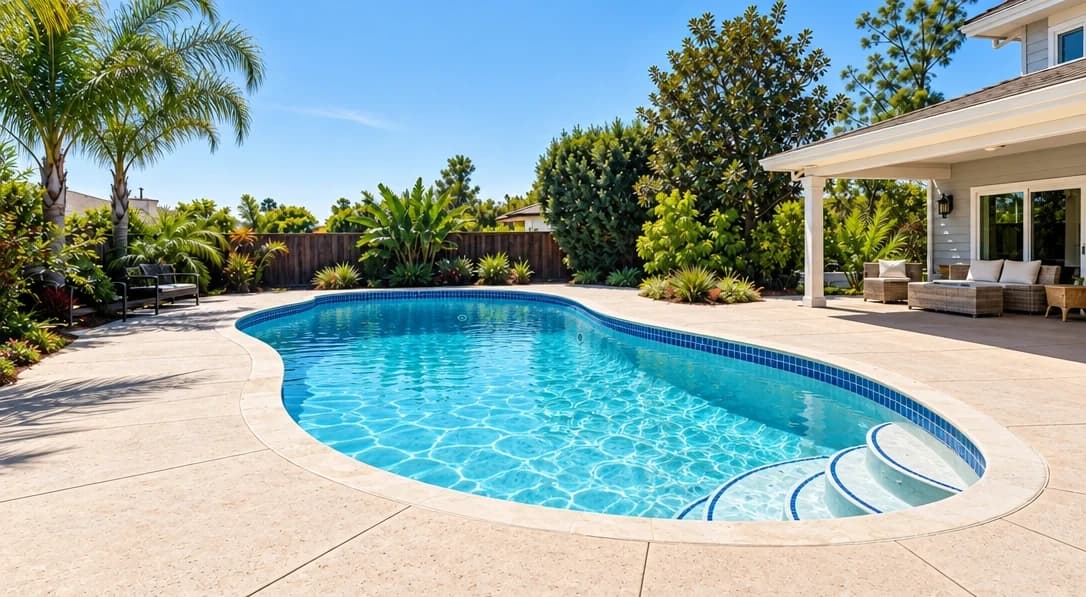
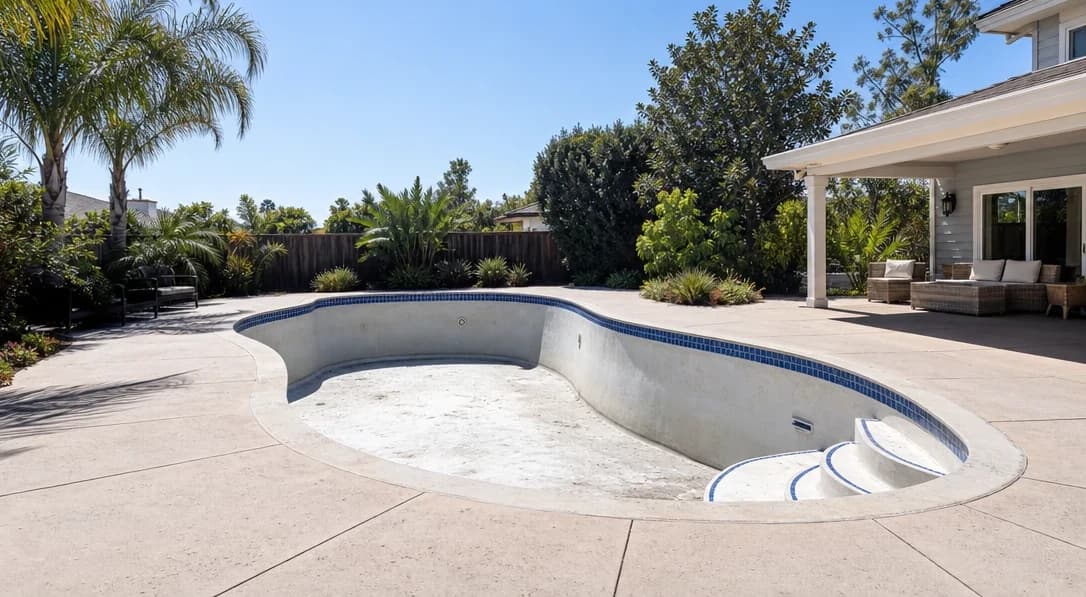
Show how the pool could look, filled and refreshed.
No card or subscription required · Free results include a watermark
See the difference
Drag the slider to compare before and after
No card or subscription required
What Pool Water does
Create a digital preview of an empty pool filled with water, or give green, cloudy, or murky water a clearer look. Use it to illustrate the pool’s potential. The result is a visualization, not a record of its current condition.
When to use it
- Vacant properties with empty pools that cannot be filled for the photoshoot
- Properties with algae, murky, or discolored pool water that would put buyers off
- Listing photos taken in winter when the pool is drained or covered
- Clearly labeled previews of a pool after planned maintenance or completion
How it works
Most photo edits take about a minute to generate
Upload your pool photo
Upload an exterior or aerial photo showing the pool — whether empty or with water that needs refreshing.
Select Pool Water
Choose Pool Water. The AI detects the pool area and either fills it with realistic water or refreshes the existing water color.
Download your pool photo
Check the pool edges and surrounding surfaces, then download the preview. Label it as a visualization when it differs from the pool’s current condition.
Credit cost
100 credits per photo
New accounts get 500 free credits — enough for 5 free uses of this feature.
Related features
Keep working with the same photos, in the same project.
Looking for a comparison of real estate photo editing tools? See our 2026 software comparison guide.
Want to show the change on Instagram or in your listing? Make a before and after photo for free.
See what Pool Water can do for your listing.
Start with 500 free credits. Try your own property photos before buying. Free results include a watermark.