
Lawn Repair
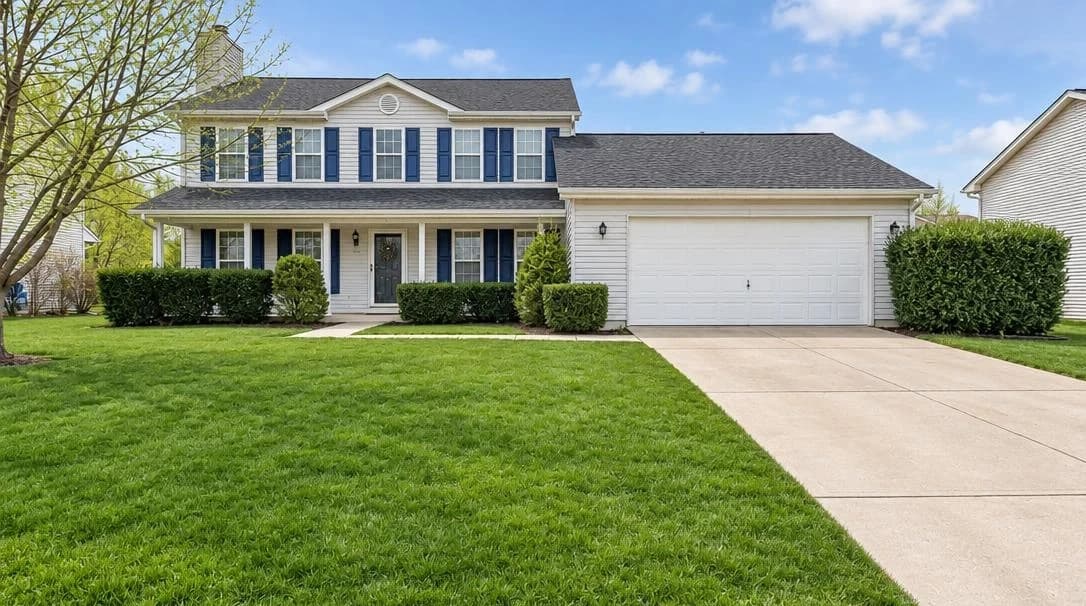
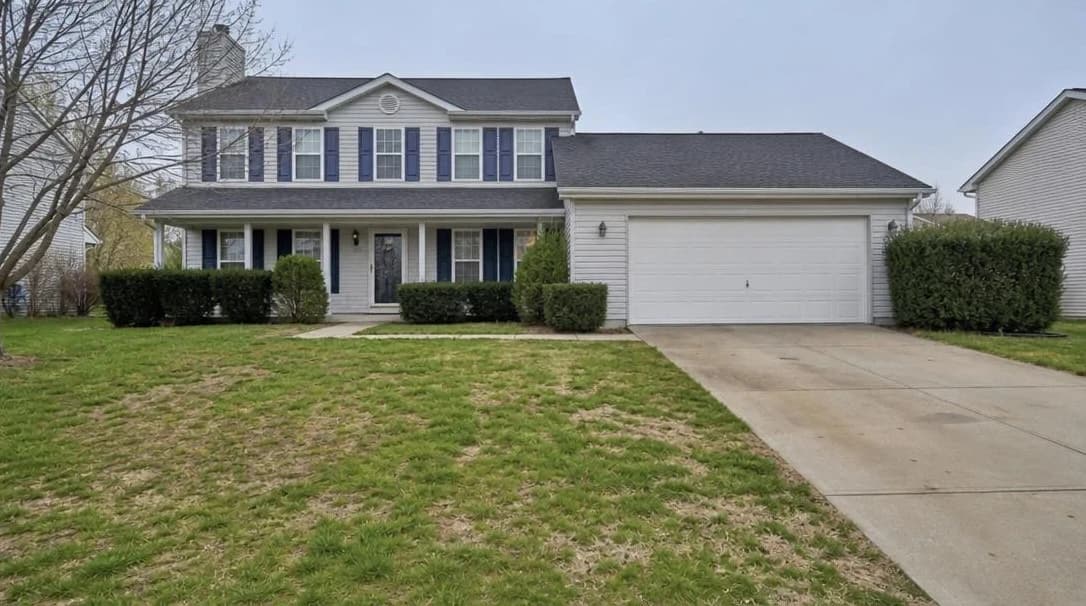
AI grass replacement for patchy or brown lawns.
No card or subscription required · Free results include a watermark
See the difference
Drag the slider to compare before and after
No card or subscription required
What Lawn Repair does
Lawn Repair is AI grass replacement for exterior photos: it replaces patchy, brown, or dormant grass with a greener, more even lawn. It changes the image, not the garden, so use it to illustrate landscaping potential and say the lawn was digitally enhanced when you share the result.
When to use it
- Listings with brown or patchy lawns caused by drought, wear, or seasonal changes
- Investment properties or rental listings where the garden has been neglected
- Exterior shoots taken in winter when grass is naturally dull or dormant
- Any listing where a green lawn would significantly improve the first impression
How it works
Most photo edits take about a minute to generate
Upload your exterior photo
Upload an exterior shot showing the lawn — front garden, back garden, or full driveway view.
Select Lawn Repair
Choose Lawn Repair. Pair it with Blue Skies or Rain to Shine for a complete exterior transformation.
Download your lush exterior
Compare the greener lawn with the original and check the boundaries around paths and planting. Identify the digital change when sharing your visualization.
Credit cost
100 credits per photo
New accounts get 500 free credits — enough for 5 free uses of this feature.
Related features
Keep working with the same photos, in the same project.
Looking for a comparison of real estate photo editing tools? See our 2026 software comparison guide.
Want to show the change on Instagram or in your listing? Make a before and after photo for free.
See what Lawn Repair can do for your listing.
Start with 500 free credits. Try your own property photos before buying. Free results include a watermark.