
 Step 1
The raw shot
Start with a photo from your phone or your photographer.
Upload onceBrighten dark rooms, clear clutter, and stage empty spaces. Then turn the finished photos into a listing video with music, captions and your contact details, or a 3D virtual tour.
Want video? See how Listing Video works
Step 1Start with a photo from your phone or your photographer.
Upload once Step 2
Clear the clutter and bring the room into better light.
100 credits · under 1 min Step 3
Help buyers picture how the space could feel furnished.
100 credits · under 1 min Step 4
Love the photos? Turn them into a listing video with music and your details.
Free draft · 250 credits per photoSwipe through the four steps
Choose the edits your photo needs. Each operation uses credits; video is an optional extra. See how credits work





Listing Video builds one video from your property photos. Arrange it as a free draft, then generate AI video when it looks right.
The draft and all editing are free. Generate AI Video costs 250 credits per photo, and Download and Share unlock once it has been generated.
See how Listing Video works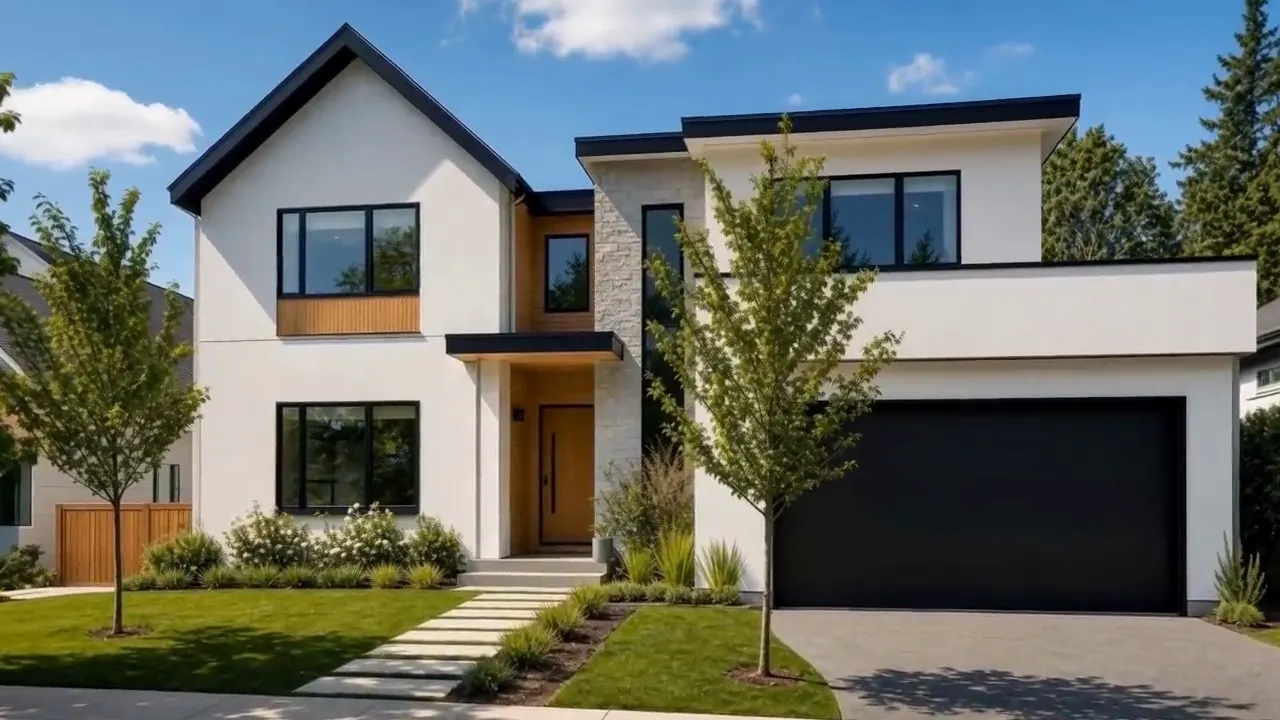
Try the dark kitchen, the cluttered bedroom, or the empty living room. See the difference on a photo you know before you spend a cent.
500 free credits • No card or subscription required • Free results include a watermark
Start with one photo. See what works for your property, then tackle the rest of the shoot.
Create a property project and upload one photo or the whole shoot. Phone and photographer photos both work.
Fix the lighting, remove clutter, or stage an empty room. Use the suggested enhancements or choose your own.
Most photo edits are ready in less than a minute. Compare the result with your original and check the details before using it.
Download your chosen images for the listing. Want a video too? Pick 2 to 30 of your finished photos and make a Listing Video in the same project. The draft is free.
See Listing VideoFinish the photo set. Add staging or a listing video. Keep the work together as you move from one property to the next.
From the people behind the listings
“Since switching to PropertyPixel, my listings get noticeably more inquiries in the first week. I used to spend 2 hours editing per shoot — now I batch 30 photos and they are done in minutes.”
“I enhanced an entire 25-photo villa listing in under 10 minutes before a viewing. The seller was stunned by the difference. PropertyPixel has become the first thing I open on listing day.”
“We manage 40+ listings a month across our team. The lighting and declutter tools give us consistent, professional photos without hiring external editors — saving us thousands each quarter.”
What to expect from your first photo edit, what it costs, and what you can create next.
Upload a property photo and choose what needs work: lighting, clutter, sky, or another enhancement. AI generates an edited version, and your original stays available for comparison. Check the room’s layout, fixtures, and details before downloading the result for your listing.
Ready to create your first listing project? Try 5 photo edits free